On this page
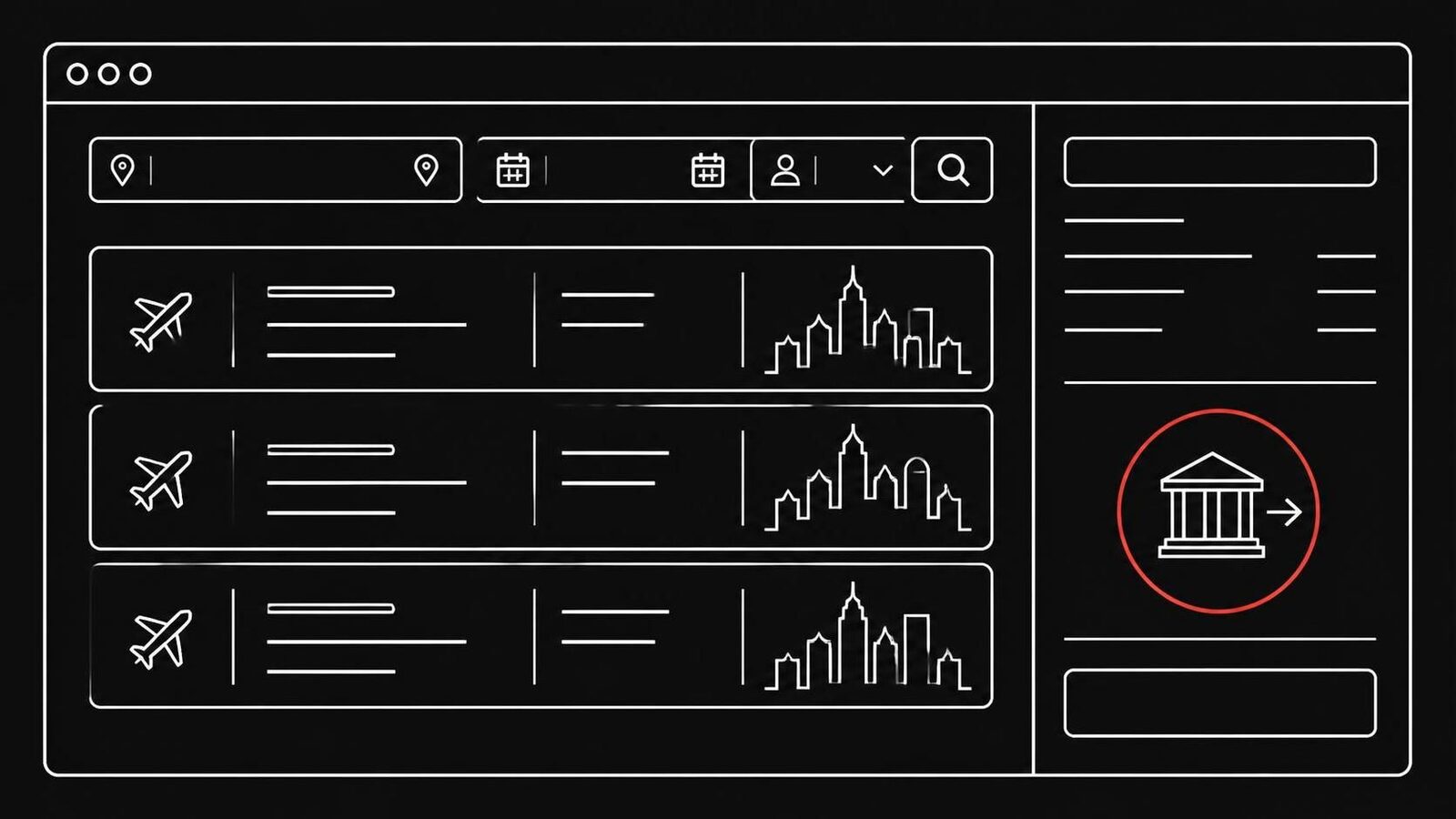
How do I know if a cheap flight booking site is fake before I pay? Check four things: a name that sounds like a real airline or portal but isn't, prices far below every other site, payment only by bank transfer, and a licence number that belongs to another company. One of these is enough reason to stop.
How do I know if a cheap flight booking site is fake before I pay?
Fake portals copy the look of real ones, so the design tells you little. The giveaways are the things a scammer can't fake cheaply: who runs the site, how you pay and whether the licence number is theirs. Go through this table before you type in any name or card number.
| What to check | Real portal or airline | Fake portal |
|---|---|---|
| Name | A brand you know, its own address | A real brand plus "trips" or "flights", a new domain |
| Price | Close to other sites | Far below the usual price for the route |
| Payment | Card, PayPal and other options at checkout | Advance bank transfer only, often to an account abroad |
| Licence number | Matches the company's name in the register | Copied from another, real company |
| Imprint | Company name, street address, contact details | Missing, or a company that does not exist |
| After paying | A ticket number the airline can find | A "status check" site that always says "confirmed" |
How the scam works, step by step
This is how the network Watchlist Internet uncovered works.[1]
- An ad on Facebook or Instagram. On 28 October 2026, a search for "condortrips" in Meta's ad library still showed several ads.
- A copied comparison portal. The ad leads to a site with a search form at the top and city photos with offers below, like a real flight search.
- A price that pulls you in. The fares are clearly below the usual average for the route.
- Payment by bank transfer only. You pay the full amount in advance. The accounts Watchlist Internet found were in Spain or Italy.
- A fake confirmation. You are sent to bookingstatuscheck.com, which asks for your surname and booking number and always confirms the booking. The site has no imprint.
- No flight. Nothing was ever booked, and a bank transfer is hard to get back.
Older cases also used a fake escrow service, onwardtrust.com, to look trustworthy. That site is now offline.[1]
The names copy real airlines and portals
The sites borrow a real name and add a word. Watchlist Internet lists these domains in the network:[1]
| Domain | What it pretends to be |
|---|---|
| condortrips.com | sounds like Condor |
| jet2trips.com | sounds like Jet2 |
| opotrips.com | sounds like Opodo |
| wizflights.com | sounds like Wizz Air |
| transaviatrips.com, eskytrips.com, gowaytrips.com, levitours.com, cheap-trips.com | other travel portals |
| bookingstatuscheck.com | the fake booking status check |
| onwardtrust.com | a fake escrow service (older cases) |
Most of these domains were registered between June and September 2026. Some older ones seem to have been taken over from companies that went out of business. The sites also link to real comparison portals, and their social media profiles have few followers and no activity.[1]
New names appear all the time. Watchlist Internet's warning list for travel bookings had 121 entries when this article was written.[4] Before you book with a site you don't know, search its name together with "scam", "review" or "complaint".[2]
Check the licence number yourself
Fake portals put licence numbers in their imprint to look official. In this network, the ABTA and ATOL numbers belonged to other, real companies.[1] A number on a page proves nothing until you check it.
- ATOL (UK package protection): each holder has its own four or five-digit number. On the ATOL check you can search by name or number and see whether the number belongs to the company that shows it.[5]
- Airlines: in Germany, the Luftfahrt-Bundesamt keeps a register of approved airlines. Scammers like names close to real airlines, so check the exact name.[3]
- Seals: click a trust seal. A real one leads to the issuer's site, where you can see it was granted to this company.[3]
If the name in the register is a different company, close the tab.
A "booking confirmed" page proves nothing
The status page in this scam belongs to the scammers. It confirms any booking, because there is nothing behind it.[1] If you want to know whether a flight is booked, look it up on the airline's own site, using the address you type yourself, not a link from the portal.[2]
Already paid? Do this today
Act the same day. The sooner your bank knows, the better.[1][3]
- Call your bank. Say you paid a fake travel site and ask whether the transfer can be stopped or recalled.
- Watch your account and report any payment you don't recognise.
- Keep the booking email, the site's address, the bank details you paid to and screenshots.
- Report it to the police.
- Expect follow-up contact. The scammers have your name and details and may try again, for example as "refund help".
Where to report:
- US: the FTC at ReportFraud.ftc.gov and your state attorney general.[6]
- Germany: online at online-strafanzeige.de, and your local Verbraucherzentrale for advice.[3]
- Austria: the police, and the site to Watchlist Internet's report form.[1]
Our guide on getting money back after a fake shop explains what to say to your bank.
Where a scam blocker helps
The domains in this network were only weeks or months old when the warning came out, and new names keep coming. OkayTab checks every new site you open in Chrome, Edge or Firefox and puts a full-page warning in front of a site that looks like a scam. When it can't tell, it says "not sure" and lets you decide. It can't catch every scam, so the checks above still matter. Free tools help too: Watchlist Internet's own Fake-Shop Detector warns about fraudulent shops.[1]
More on the warning signs every scam site shares: How to tell if a website is a scam. On the ads that bring people to these sites: Scam ads on Facebook and Instagram.
Questions about fake flight booking sites
Can I get my money back after paying a fake flight site by bank transfer?
Sometimes, if you act fast. Call your bank the same day and ask whether the transfer can be stopped or recalled. Watchlist Internet says the chances are low with a direct transfer, which is why scammers ask for it. Card and PayPal payments are easier to dispute.
Why does the booking status page say my flight is confirmed?
Because the status page belongs to the scammers. In this network, bookingstatuscheck.com confirms every booking number it is given. Check your booking on the airline's own site instead.
Does the padlock mean a booking site is real?
No. The padlock only means the connection is encrypted. Scam sites have it too. It says nothing about who runs the site.
Are cheap flight ads on Facebook safe?
Many are real, but this network found its customers through Facebook and Instagram ads. Don't book from the ad. Search for the route on a portal or airline you already know and compare the price.
Can OkayTab spot a fake flight booking site?
OkayTab checks each new site you open and warns before you pay when a site looks like a scam. No tool catches every one, so check the name, the payment options and the licence number too.
Sources
- Watchlist Internet: Aufgedeckt: Großes Netzwerk an Fake-Portalen für Flugbuchungen (29 October 2026)
- Federal Trade Commission: How to avoid travel website scams
- Verbraucherzentrale: Abzocke mit falschen Tickets und Unterkünften: So erkennen Sie Fakes
- Watchlist Internet: Warning list: travel bookings
- ATOL: How to check for protection
- Federal Trade Commission: Avoid scams when you travel